How Creative Agencies Localize Marketing Visuals With an AI Image Editor
27 Nov 2026
3 Nov 2026
min read
How Creative Agencies Localize Marketing Visuals With an AI Image Editor
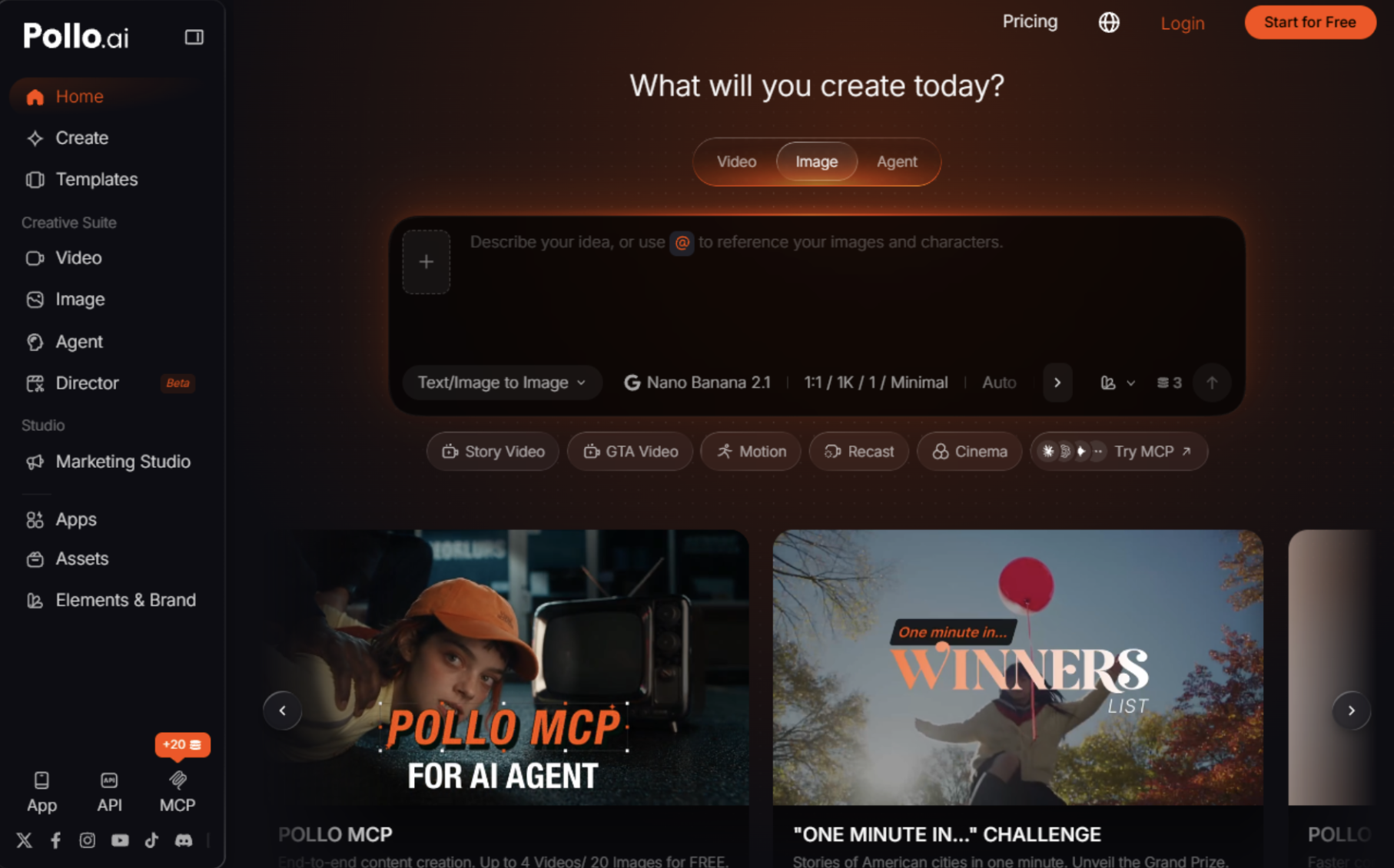
Localizing an advertisement takes more than translating its headline. The setting, layout, and product screenshots also need to make sense to local audiences. Rebuilding every visual from scratch can slow down a campaign launch and increase design costs.
Using the AI image editor from Pollo AI, creative agencies can adapt existing campaign assets through simple text prompts while keeping the original brand style. From replacing backgrounds to updating campaign copy, here is how agencies can prepare marketing visuals for new markets more efficiently.
-
Understand Your Target Market
Before editing an image, find out which visual elements need to change and why. Research local preferences, language requirements, and how the product is used in the target market. The local team should also confirm that the advertised features are available there.
Suppose an agency is launching a travel-planning app in Spain. Its existing English-language campaign shows a traveler checking an itinerary at a railway station. The logo, photography style, and product message are already approved, but the setting and language may need adapting.
Use these requirements to guide the image edits. You don't need to change the entire campaign; a few meaningful adjustments can make it more relevant to local customers.
-
Adapt Images for Local Audiences
A familiar environment can help viewers relate to an advertisement. If local research suggests that the original railway station feels out of place, the agency can update the background rather than arrange another photoshoot.
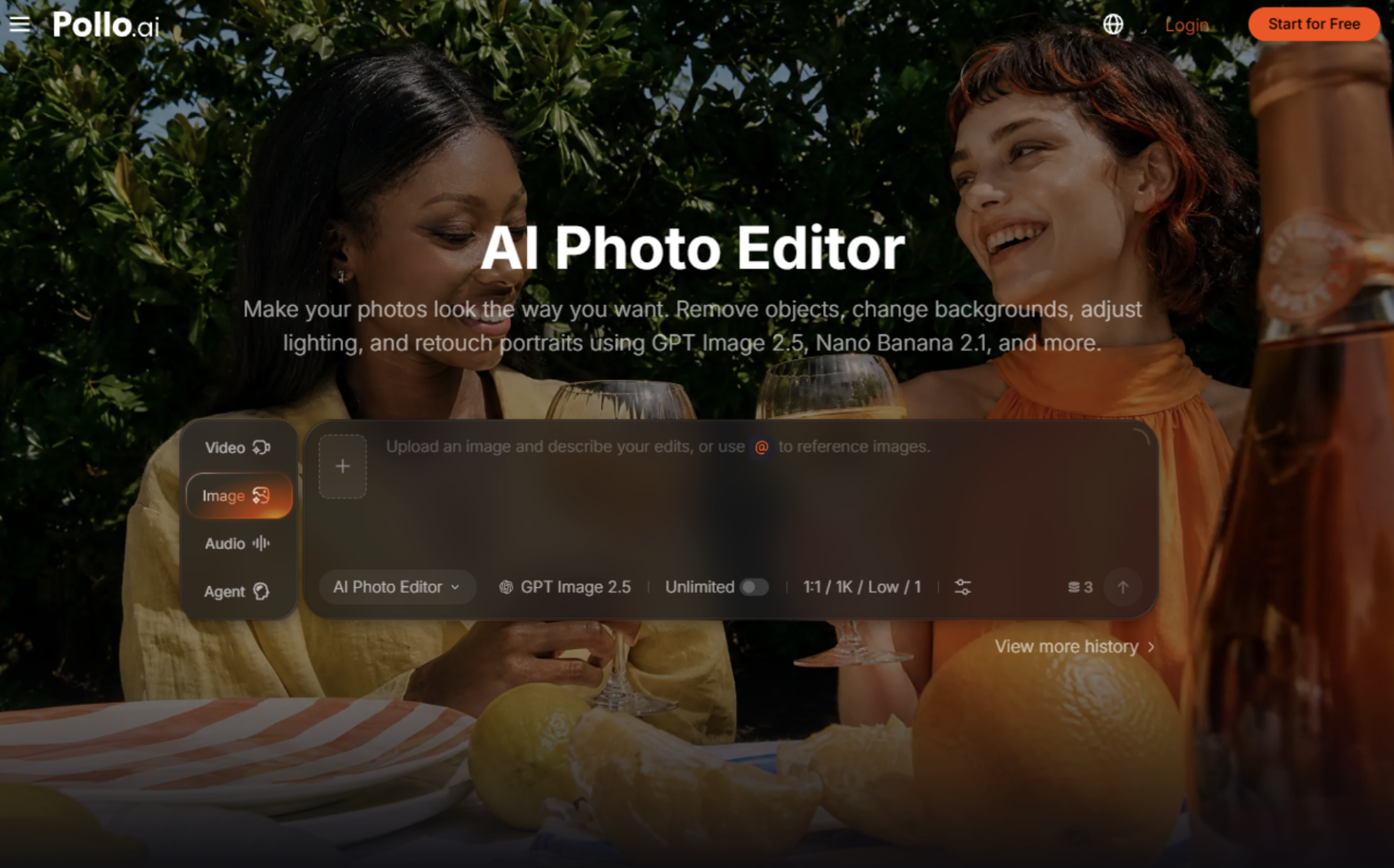
Upload the original campaign photo to Pollo AI's Photo Editor and describe the new setting. For example, request a contemporary Spanish railway station with soft daylight while retaining the traveler's pose, clothing, and phone position. Avoid adding identifiable station names or transport logos unless their use is authorized.
If the first version does not match the intended look, refine the prompt or try another available image model. Once the local team approves the setting, keep that photograph for the next steps. The agency now has a regional visual that still feels connected to the global campaign.
-
Localize Product Screenshots
An advertisement in Spanish can feel unfinished if the phone screen still displays an English-language app. However, asking AI to invent an entirely new interface may misrepresent the product.
Capture the itinerary screen from the actual Spanish-language app using fictional travel details. For a small social ad, a subtle visual highlight can help viewers notice the itinerary feature immediately.
Use the screenshot editor from Pollo AI to add a highlight around the relevant area. Check that the app's labels, dates, and controls remain accurate. Save the edited screenshot for the final phone mockup, and keep the original capture for placements where annotations are unnecessary.
-
Adjust Layouts for Different Languages
Translated headlines often take up more space than their original versions. For example, the English headline “Plan your trip” becomes “Planifica tu viaje” in Spanish. The longer text may need a wider headline area to remain easy to read.
Return to the localized campaign photograph and use the AI image editor in Pollo AI to create more space beside the traveler. Ask for a less busy background in the headline area while keeping the phone visible. This is especially useful when adapting the same creative concept for different ad sizes.
Check the new layout on a mobile screen before inserting the translation. A readable headline and a visible product demonstration are more valuable than preserving every detail of the original composition.
-
Update Text in Marketing Images
If the agency is working with a flattened advertisement, the English headline may still be embedded in the revised image. Recreating the entire design just to replace a few words can be frustrating.
With Pollo AI, you can edit text in an image by identifying the old headline, entering the approved translation, and describing the desired lettering style. Use the adjusted campaign layout so the Spanish wording has enough room.
Review the spelling, accents, and line breaks. If the client's exact font is required, add the final copy using editable text in design software. Then place the prepared Spanish app screenshot and approved logo into the finished advertisement. The result combines a localized photo, a readable message, and an authentic product interface.
-
Review Localized Ads Before Launch
Ask a local reviewer to look at the advertisement as a whole. Does the setting feel familiar? Is the headline clear? Does the screenshot show what customers will actually see in the app?
Save the localized background, translated copy, and approved screenshot separately. This makes it easier to create further variations for social media, display advertising, or another regional launch without repeating the entire process.
Final Thoughts
Successful visual localization helps a global campaign connect with local audiences without losing its identity. The AI image editor from Pollo AI gives creative agencies a practical way to adapt existing imagery and explore regional designs. Start with one advertisement, get feedback from the target market, and apply what works to the next campaign.
Keywords:
Localize Marketing Visuals, Ai Image Editor, Campaign Localization, Adapt Images For Local Markets, Edit Text In Images, Product Screenshot Localization, Ai For Creative Agencies
,


